


vacuum can generate API documentation directly from an OpenAPI or AsyncAPI specification.
It uses the printing press engine to turn API contracts into static HTML, JSON artifacts, and agent-readable markdown output.
The important vacuum bit is diagnostics: vacuum can lint the spec first, then pipe the located results into the generated documentation so quality issues appear where they matter.
AsyncAPI 3 uses the same command:
This writes docs to ./api-docs by default.
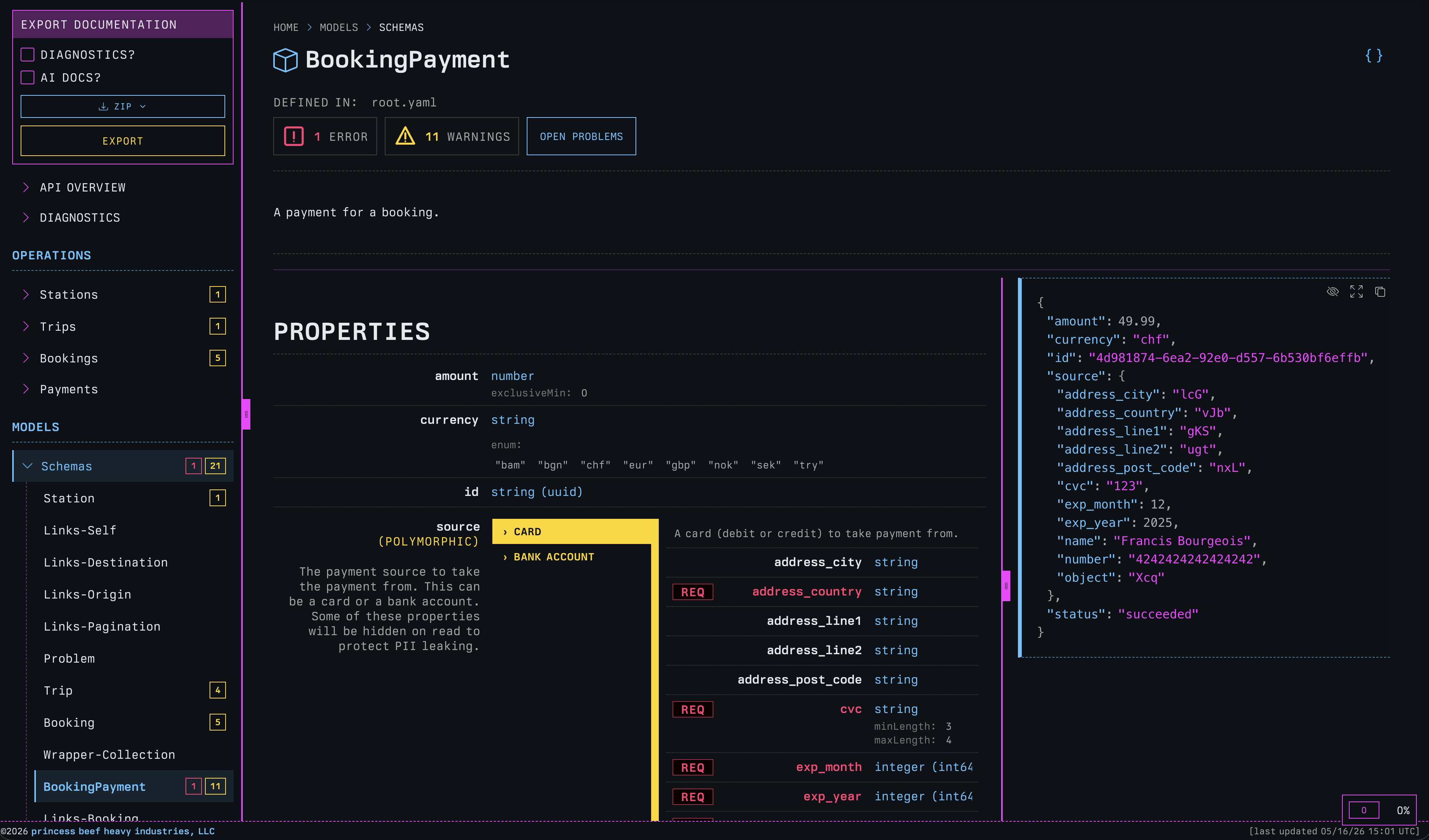
printing press.What gets generated?
By default, vacuum docs generates three output families:
- Human-friendly HTML documentation.
- Agent-friendly markdown,
AGENTS.md, andllms.txtfiles. - JSON artifacts for tools that need structured generated data.
The same command can produce docs for people browsing locally on a file system, teams that want to bundle docs with a release or host them, and agents that need concise API context without parsing raw OpenAPI or AsyncAPI documents.
OpenAPI operations render HTTP methods, paths, requests and responses. AsyncAPI operations render send and receive
direction, channels, messages, bindings and replies. Both produce the same output families and stable documentation tree.
api-docs/index.html directly.For the full generated file tree, see the printing press outputs documentation.
Ship the source API contract
The source OpenAPI or AsyncAPI contract is not shipped with generated documentation by default because it may contain sensitive
information. Pass --include-spec to copy it into the generated site and turn rendered source locations into links:
For repeatable builds, enable the same behavior in printing-press.yaml:
includeSpec: true
Pass --include-spec=false to override an enabled configuration value and keep the contract out of the output.
Diagnostics built in
vacuum docs runs diagnostics by default. You can disable them with --no-diagnostics if you just want the documentation.
The diagnostics are actually a much nicer experience than the
html-reportoutput.
Problems are shown inside the generated docs, attached to the operations and models that contain them. A dedicated diagnostics page is generated as well.
For AsyncAPI 3 documents, vacuum automatically selects the AsyncAPI recommended ruleset unless a custom ruleset is supplied.
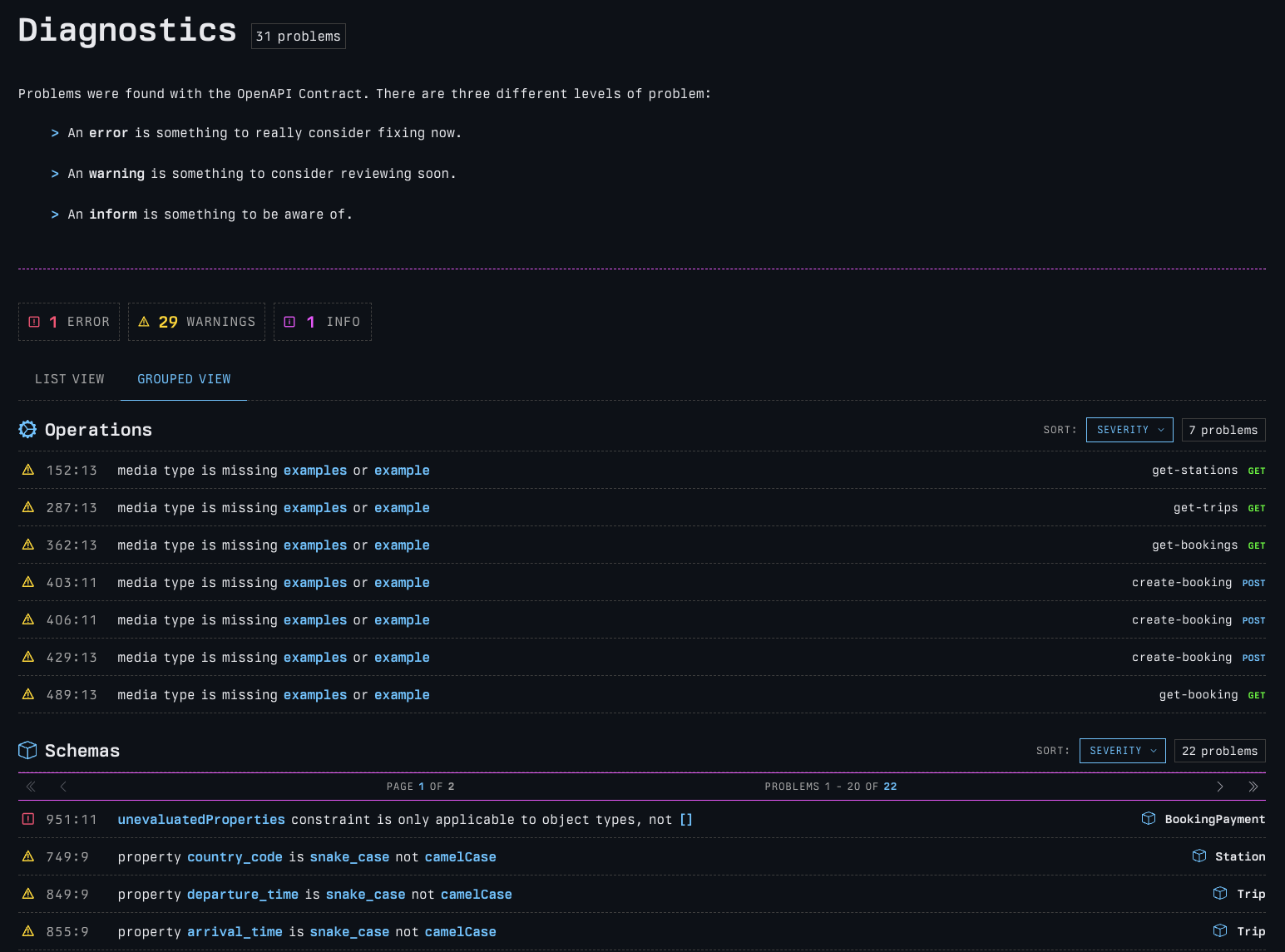
As I said, if you just want documentation without lint diagnostics:
For more detail, see the printing press diagnostics documentation.
Publish or preview
The default mode is designed for local files and offline sharing.
Use --publish when the output will be served by GitHub Pages, S3, Netlify, Cloudflare Pages, or any static host:
Use --serve to preview the published layout locally:
Then open http://127.0.0.1:9090.
The full static, published, and served behavior is covered in the printing press rendering modes documentation.
Build an API catalog
Pass a directory instead of a single file and vacuum will build an entire API catalog.
The catalog scans for supported OpenAPI and AsyncAPI documents, groups specs by service and version, and renders a top-level portal plus full documentation for every discovered spec.
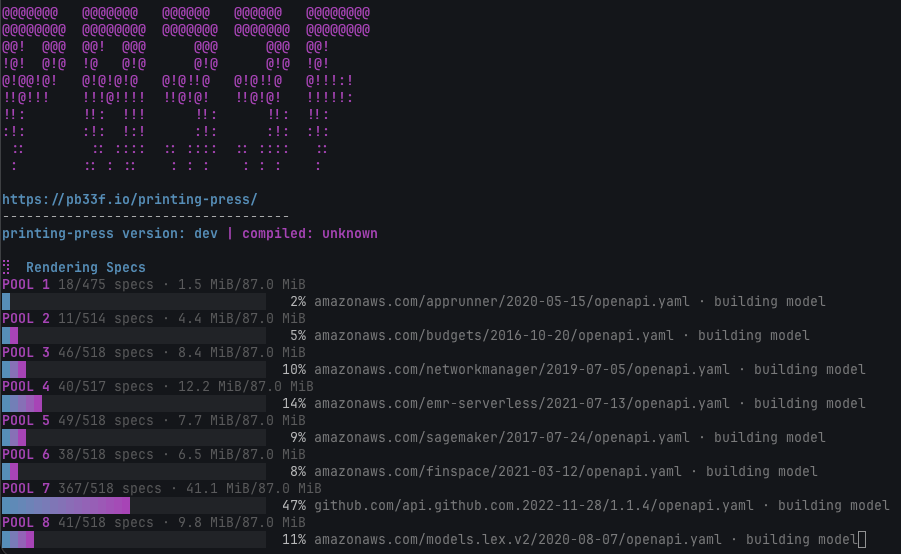
For large catalogs, use a docs config file to keep the command clean:
title: Internal API Catalog
output: ./api-docs
publish: true
metrics: true

scan:
  root: ./services
  include:
    - "**/*.yaml"
    - "**/*.json"
  ignoreRules:
    - "**/vendor/**"
    - "**/testdata/**"

build:
  mode: fast
  maxPools: 4
  workersPerPool: 2
Then run:
For the full catalog model, see the printing press API catalog documentation.
Agentic output
Raw OpenAPI and AsyncAPI are poor inputs for agents. They force agents to parse a contract, chase references, understand composition, and build enough context to answer a basic API question.
vacuum docs generates agent-ready files so agents can start with a map instead of a pile of YAML:
AGENTS.mdllms.txtllms-full.txtllms-models.txtllms-operations.txt- per-operation markdown
- per-model markdown
- structured JSON artifacts
The full agent workflow is covered in the printing press agentic AI documentation.
Learn more
This page covers the vacuum entrypoint. The deeper documentation for the generated experience lives on pb33f.io:
- printing press quickstart
- AsyncAPI documentation
- configuration
- navigation model
- UML and class diagrams
- generated outputs
For command examples, see the docs command page.